
A great baby birth announcement needs three things: a clear, softly lit photo of your baby, the key details (name, date, time, weight, length) and a few words that sound like your family. Post on social media whenever you're ready, mail cards within the first month or two, and if your baby arrives near the holidays, combine the announcement with your holiday card.
A baby birth announcement is how you introduce your baby to the people who love them. It can be a printed card, a social media post or both, and it doesn't need to be complicated. You need one good photo, the details and the right birth announcement wording.
This guide covers photo ideas, what to include, 30 wording examples by style, when to send and how to turn your announcement into a holiday card.
What to Include in a Baby Birth Announcement
Most announcements share the same core details:
| Detail | Example |
|---|---|
| Full name | Olivia Grace Bennett |
| Date of birth | November 3, 2026 |
| Time | 4:12 a.m. |
| Weight | 7 lb 4 oz |
| Length | 20 in |
| Optional | Parents' and siblings' names, place of birth, the meaning of the name, a short message |
Keep the layout simple: the photo is the star, the name comes next and the details sit in a smaller line underneath. Our free birth announcement maker puts these details on eight print-ready designs.
Baby Birth Announcement Photo Ideas
The photo makes the announcement. These setups work at home with a phone and a window.
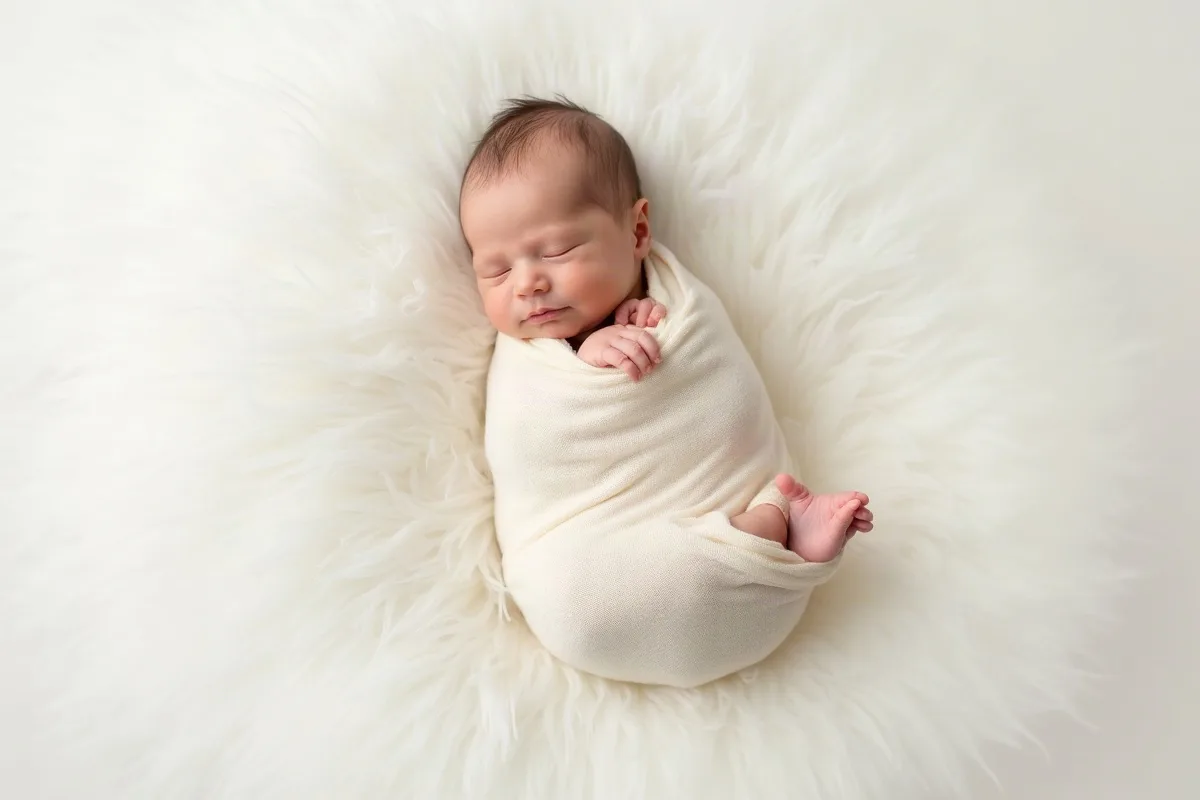
1. Swaddled on a Plain Blanket
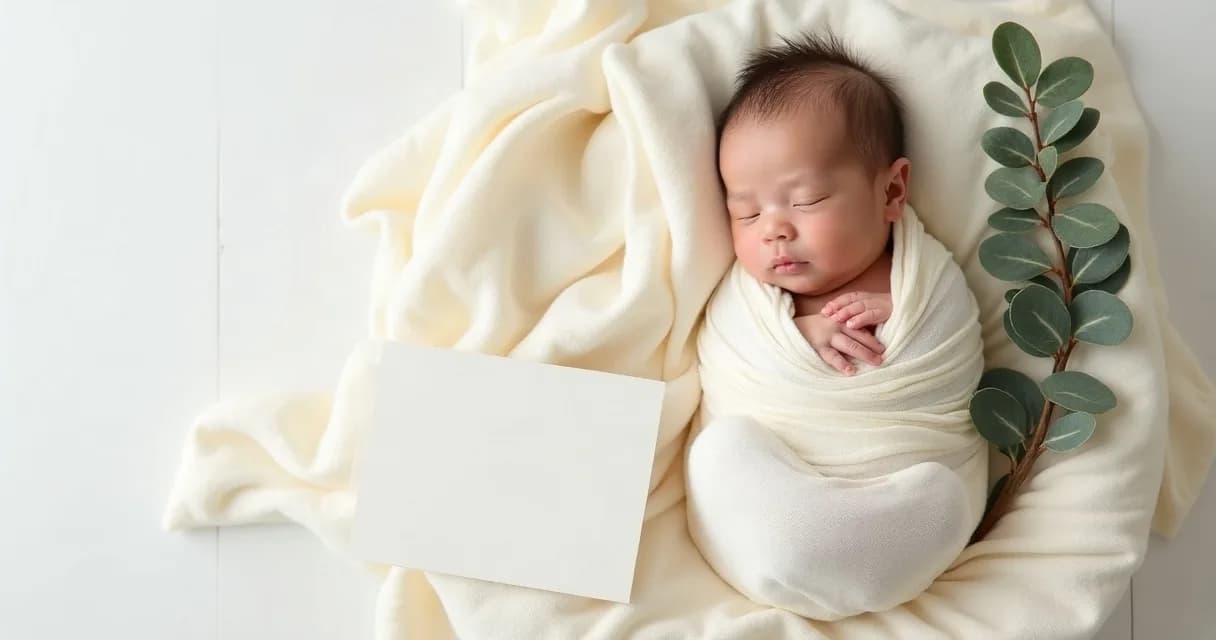
Your baby wrapped in a neutral swaddle on a white or cream blanket, shot from directly above. Clean, timeless and easy to place text around.
2. Name Card or Letter Board
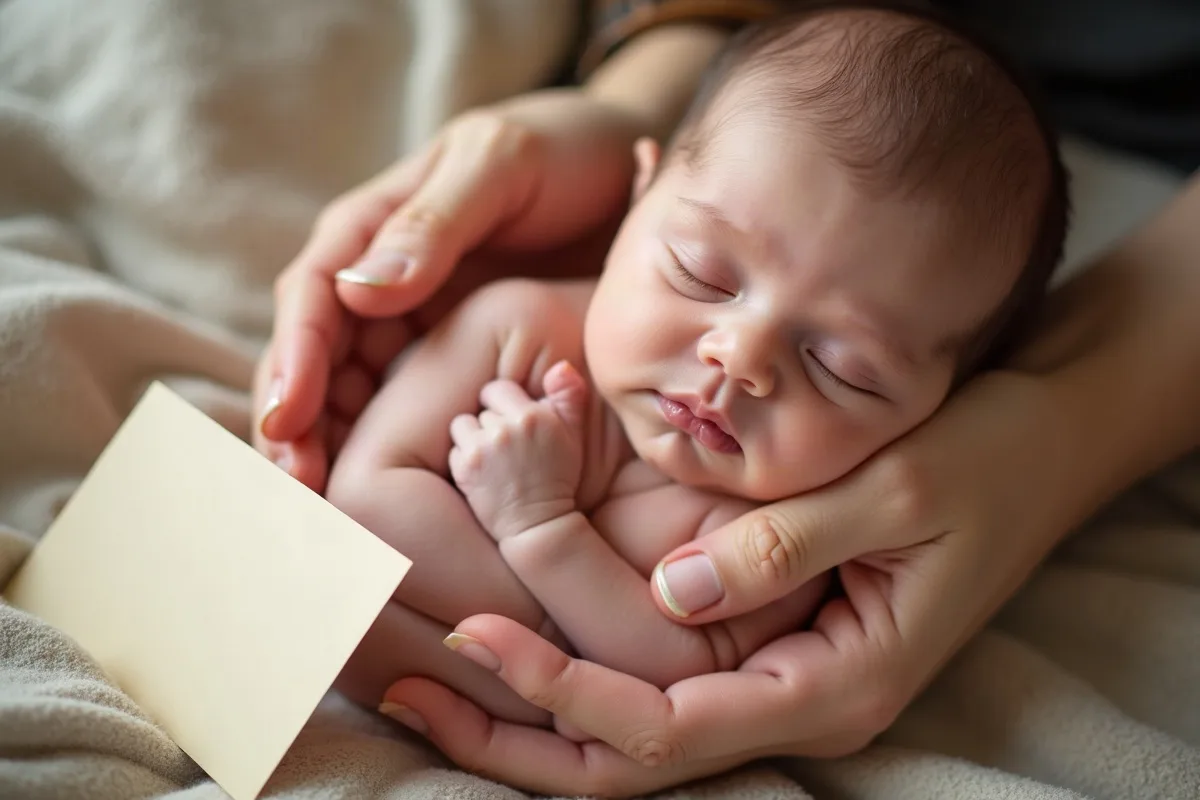
Lay your baby next to a card or letter board with their name and stats. You can make a clean, print-ready card in minutes with our free birth announcement maker.
3. In a Parent's Arms
A close crop of your baby asleep on a parent's chest or in their hands. Warm and personal, and it works from day one.
4. Siblings Meet the Baby
An older sibling holding a "big sister" or "big brother" sign next to the baby, or gently holding the baby with an adult's hands underneath. See our newborn family photos for safe sibling poses.
5. Tiny Details
Hands, feet or the hospital bracelet in close-up. Works beautifully on the back of a two-sided card.
6. Hospital Moments
The bassinet card, the first family photo or the going-home outfit. These candid photos feel especially real. Our newborn hospital photos guide has 12 more ideas for the first days.
7. Studio-Style Portrait
A soft, posed portrait in a basket or on a beanbag. If you'd rather not move a days-old baby into props, our newborn studio portraits create that look from everyday phone photos.
For more setups, see our newborn photoshoot ideas, and for timing and styles, our newborn photos guide.
Birth Announcement Wording: 30 Examples by Style
Pair any of these with your baby's name and details.
Simple
- Welcome to the world, [Name].
- Hello, world. I'm [Name].
- Introducing [Name].
- Our little one is here.
- Meet the newest member of our family.
Sweet and Sentimental
- The day we met you, our hearts doubled.
- Ten tiny fingers, ten tiny toes, and a love that already overflows.
- We waited, we hoped, and now you're here.
- Our greatest adventure begins with you.
- Small baby, big love.
Funny
- Fresh out of the oven.
- New boss in the house.
- Sleep was overrated anyway.
- Worth every kick.
- The tiny human has landed.
With Siblings
- [Sibling] is officially a big sister.
- Promoted to big brother: [Sibling].
- And then there were four.
- Our family just got a little bigger and a lot louder.
- Big sister [Sibling] picked the outfit.
Twins and Multiples
- Double the love, double the diapers.
- Two hearts, one perfect beginning.
- Twice the joy arrived on [date].
Faith and Gratitude
- Blessed beyond measure to welcome [Name].
- Our prayers were answered on [date].
- Grateful for the gift of [Name].
Seasonal
- Our sweetest gift this holiday season.
- A little spring blossom arrived.
- Our summer sunshine is here.
- Fall in love with [Name].
When to Send a Birth Announcement
There's no deadline. A typical rhythm looks like this:
- First days: a short social media post or a message to family with one photo.
- First one to two months: printed cards, once you have a photo you love and a bit more sleep.
- Later is fine too. A three month update or a holiday card can double as an announcement.
Order printed cards with a little extra time; many printers need a week or two to print and ship.
Social Media vs Printed Cards
| Social media | Printed card | |
|---|---|---|
| Speed | Same day | 1 to 3 weeks |
| Cost | Free | Printing and postage |
| Audience | Wide | People you choose |
| Keepsake | Digital | Physical, often framed |
| Privacy | Consider who can see it | More private |
Many families do both: a short post for friends and a printed card for grandparents and close family. If you post online, think about how much detail to share publicly, such as the full name, exact birth time and hospital.
Holiday and Christmas Birth Announcements
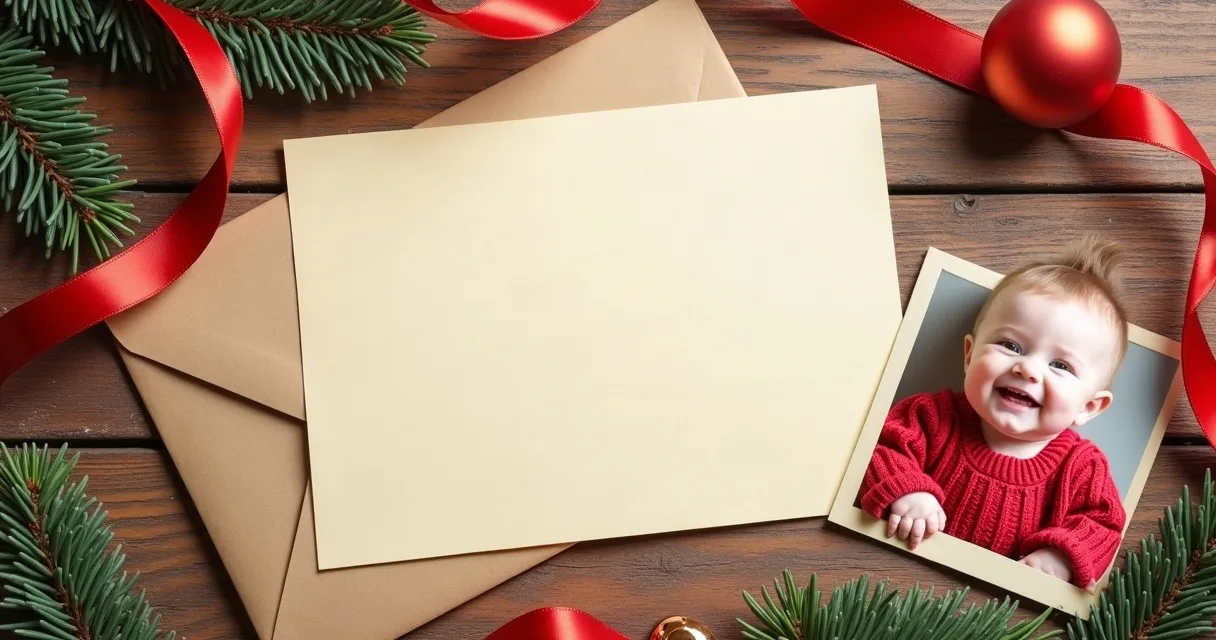
If your baby arrives in late fall or winter, one card can do two jobs: introduce your baby and wish everyone happy holidays. Popular ideas:
- A newborn in a red or cream knit wrap with a softly lit tree in the background
- "Our sweetest gift this year" with the baby's name and stats
- A family photo in matching pajamas with the baby in the middle
- A stocking with your baby's name next to them
Keep lights cool and cords out of reach for any setup with decorations. Our baby's first Christmas themes can create a festive portrait without props, and our baby Christmas photoshoot ideas have 12 setups you can try at home. To turn your photo into a holiday card, try our free Christmas card maker.
Tips for a Better Announcement Photo
- Use one big window and turn off ceiling lights.
- Shoot right after a feed when your baby is sleepy.
- Leave empty space around your baby so the text fits.
- Choose two or three soft colors that match your card design.
- Take a few versions, both horizontal and vertical, so any card layout works.
Our guide to phone lighting and camera settings for baby photos and the newborn photoshoot at home guide cover the setup.
Create Your Announcement Photo Without a Studio
If you'd love a polished, studio-style photo for your baby birth announcement, Baby AI Photoshoot turns a few everyday phone photos of your baby into portraits in more than 400 themes, each ready in about two minutes, without moving your newborn into a single prop.
Create your birth announcement photo
Upload a few phone photos and get studio-style newborn portraits in minutes.
Create your photoshootPutting Your Birth Announcement Together
Choose one photo you love, add the name and details, pick a line from the wording list and decide whether you're posting, mailing or both. Keep it simple: the people who receive it mostly want to see your baby's face. When you're ready, put it all together in our free birth announcement maker.