
The AI baby holding laugh meme is a viral TikTok edit in which a baby's face was mapped onto a video of a man covering his mouth to hold back a laugh. People use it as a reaction clip for awkward or funny moments. If you'd like to join the fun with your own baby, a safer route is playful AI photo edits of real photos, shared only where you choose.
The AI baby holding laugh meme took over TikTok and group chats with one strangely familiar expression: a baby with a hand over its mouth, eyes squinting, trying very hard not to laugh. If you've seen it and wondered where it came from, or how to make funny AI baby content yourself, this guide explains it.
We'll cover what the meme is, why it caught on, the different names it goes by and a few ideas for funny AI baby photos you can make from your own pictures.
What Is the AI Baby Holding Laugh Meme?
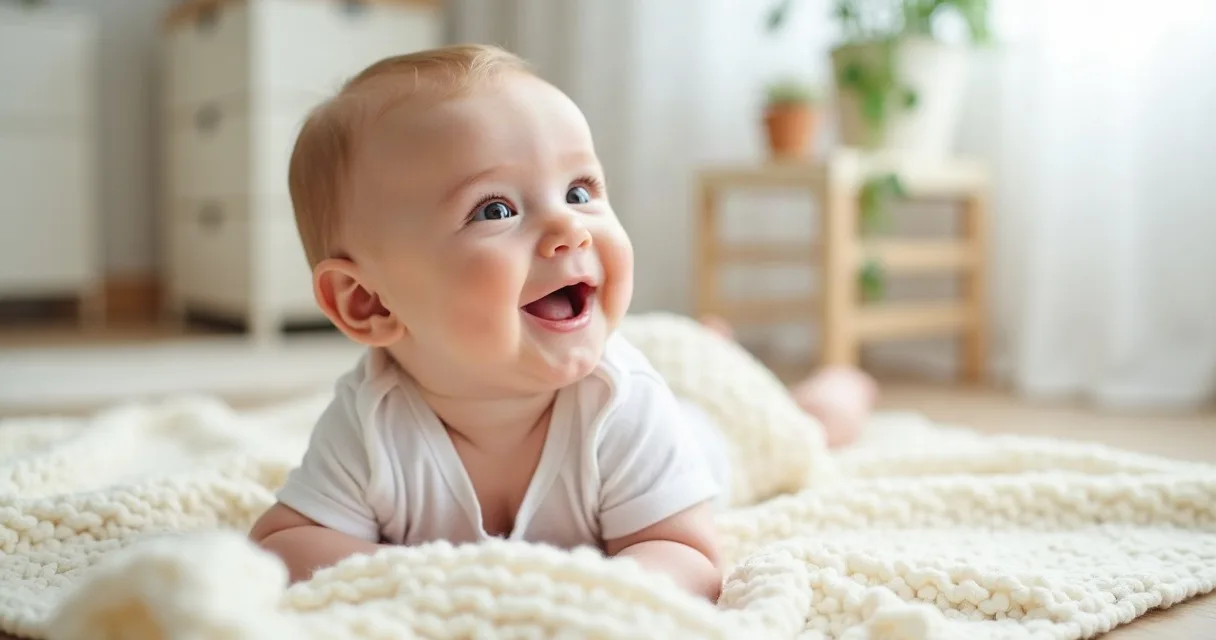
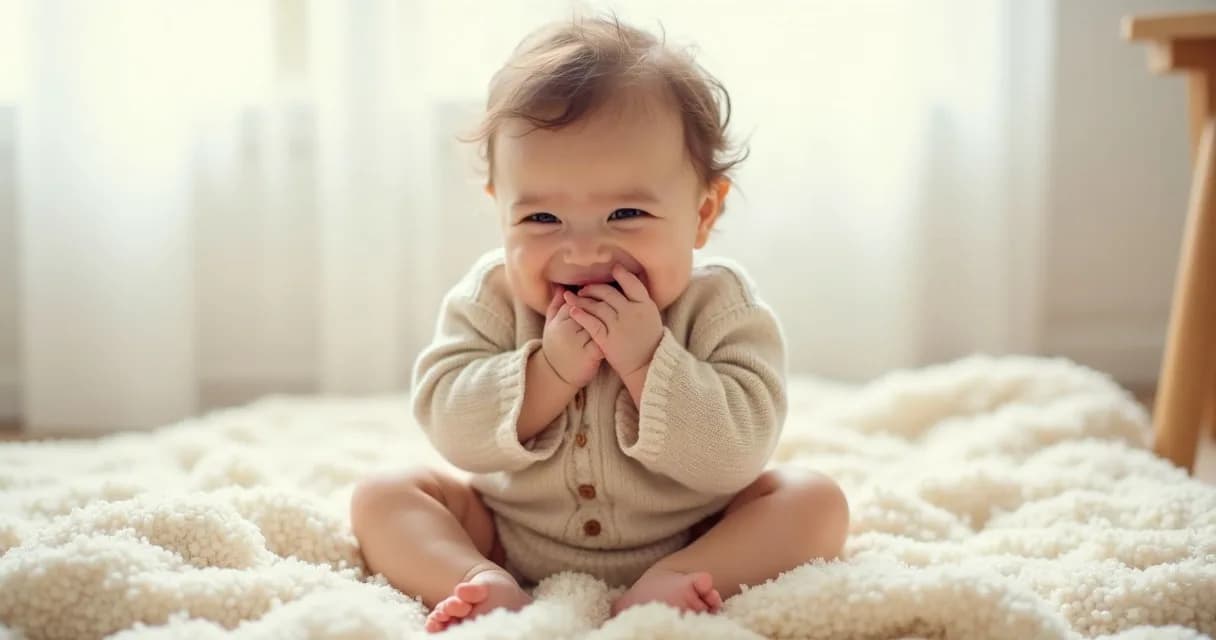
The clip shows a baby that seems to hold in a giggle, sometimes paired with music or a rap edit. It isn't real footage of a baby. A baby image was mapped onto existing video of an adult man making a "holding in a laugh" gesture, so the movement is human but the face looks like an infant's.
The result is cute and a little uncanny, which is exactly why it works as a reaction: people drop it into videos after an awkward reveal, a bad joke or an embarrassing moment.
Where It Came From
According to meme trackers, the trend spread on TikTok in late 2025. The gesture came from an older video of a creator holding back a laugh, and the baby face was added later with video editing and AI tools. Green-screen versions soon followed, so anyone could place the baby over their own clips.
The meme is also known as Baby Covering Mouth, Niche Baby and Tuff Baby. Later spin-offs added singing and other animations.
Why the AI Baby Holding Laugh Went Viral
- It's instantly readable. Everyone knows the feeling of trying not to laugh.
- It's reusable. As a green-screen template, it works as a reaction to almost anything.
- It's a little weird. The mix of baby face and adult movement makes people look twice.
- It's easy to remix. Creators kept adding music, captions and new versions.
Should You Make One with Your Own Baby's Photo?
Some apps now offer templates that animate a photo into a "holding laugh" style video. Before you upload your child's face:
- Read the privacy policy. Check how long photos are kept and whether they're used to train AI.
- Think about where it will be shared. Viral trends travel far beyond friends and family.
- Only use photos of children you're responsible for, and never someone else's child without permission.
If any of that feels uncertain, keep the fun to photos you share privately. Curious what a future baby might look like instead? Our AI baby face generator blends one photo of each parent into a realistic portrait.
Funny AI Baby Photo Ideas (No Video Needed)
You can get the same playful spirit with your own baby's photos, without turning them into a meme template:
1. The "Trying Not to Laugh" Caption
Pick a real photo of your baby mid-giggle and add a caption like "me in a serious meeting." Our Magic Edit tool lets you add sweet lettering or a clean background by describing the change; the first try is free.
2. Reaction Stickers
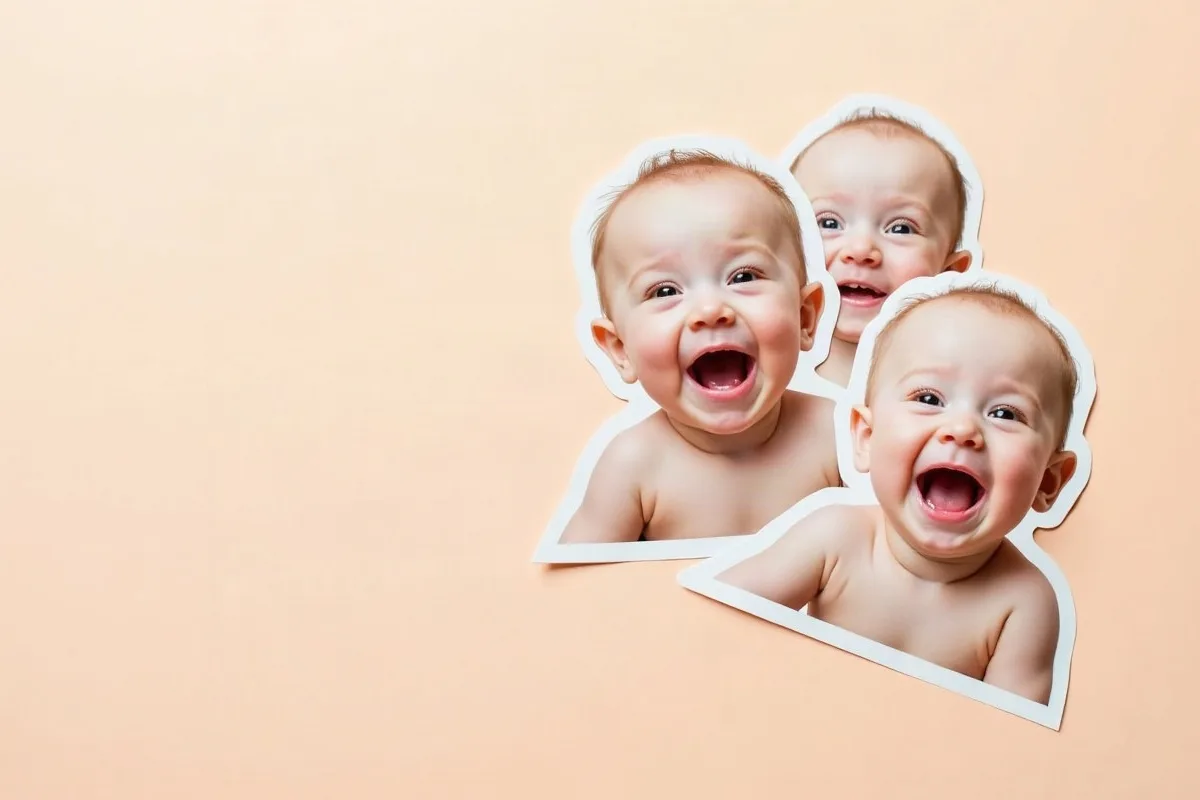
Turn your baby's best expressions (the surprised face, the side-eye, the big laugh) into die-cut stickers for WhatsApp or iMessage with our AI baby sticker maker.
3. Tiny Boss
A photo of your baby at a toy desk with a tiny tie, captioned with their "first day at work." Simple props, big laughs.
4. Food Critic
Your baby's face on first tasting a lemon wedge or a new puree is a natural reaction shot. Keep it to a quick taste and check with your pediatrician about new foods.
5. Then and Now
Pair a newborn photo with a current one, both with the same "unimpressed" expression.
6. Themed Fun Portraits
For playful studio-style looks, like a little chef, astronaut or superhero setup, browse our little professions themes.
How to Capture a Real "Holding Laugh" Photo
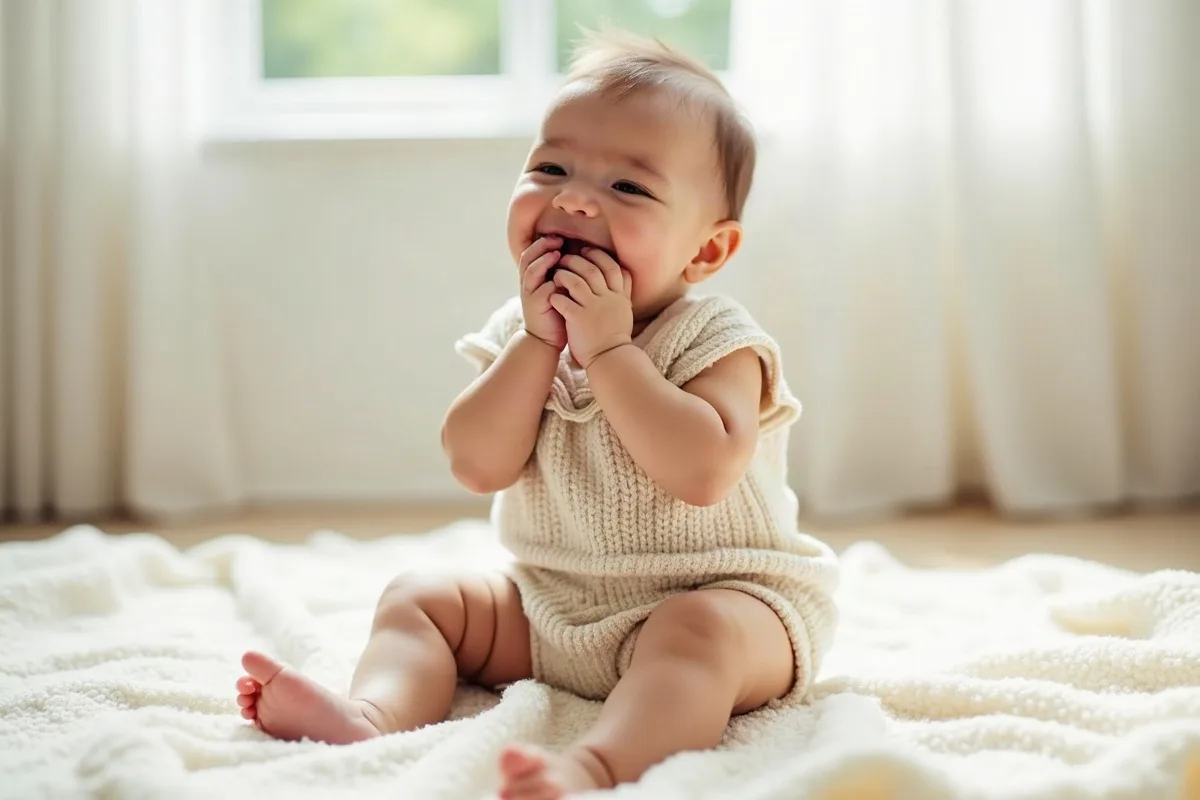
The best version of the trend is your own baby's real expression:
- Play peekaboo behind the camera and shoot in burst mode.
- Use window light so the shutter is fast enough to freeze the moment.
- Get down to their eye level.
- Shoot a short video too, then pick the best frame.
Our guides to phone lighting and camera settings and baby photoshoot ideas have more tips.
Studio Portraits from Everyday Photos
When you want polished photos rather than memes, Baby AI Photoshoot turns a few everyday phone photos of your baby into studio-style portraits in more than 400 themes, each ready in about two minutes. You can also turn a finished portrait into a 5-second AI baby video with a Giggle, Smile, Look or Sparkles motion, like the clip below.
Turn everyday photos into studio portraits
Upload a few phone photos and get playful or classic baby portraits in minutes.
Create your photoshootThe Bottom Line on the AI Baby Holding Laugh
It's a funny, reusable reaction clip built from an edit, not a real baby. Enjoy the trend, but if you want to make something with your own child, keep it to real photos, playful edits and the people you choose to share them with.