

The best AI baby generator for you depends on three things: whether it works from both parents' photos, what the free version really includes, and how it handles your photos afterward. Web tools from big editing platforms are quick and often free with limits, apps usually need a subscription, and dedicated baby tools add controls like age and resemblance. No tool predicts genetics; all of them are for fun.
If you're looking for the best AI baby generator from parents' photos in 2026, you'll find dozens of options, from big photo-editing platforms to small mobile apps. They all promise a glimpse of your future baby, but they work differently, have different free limits and treat your photos very differently.
We build baby photo tools ourselves, so we know what to look for. Below we explain how these generators work, what to compare, and how the main types of tools stack up. We include our own tool and say so clearly.
How AI Baby Generators Work
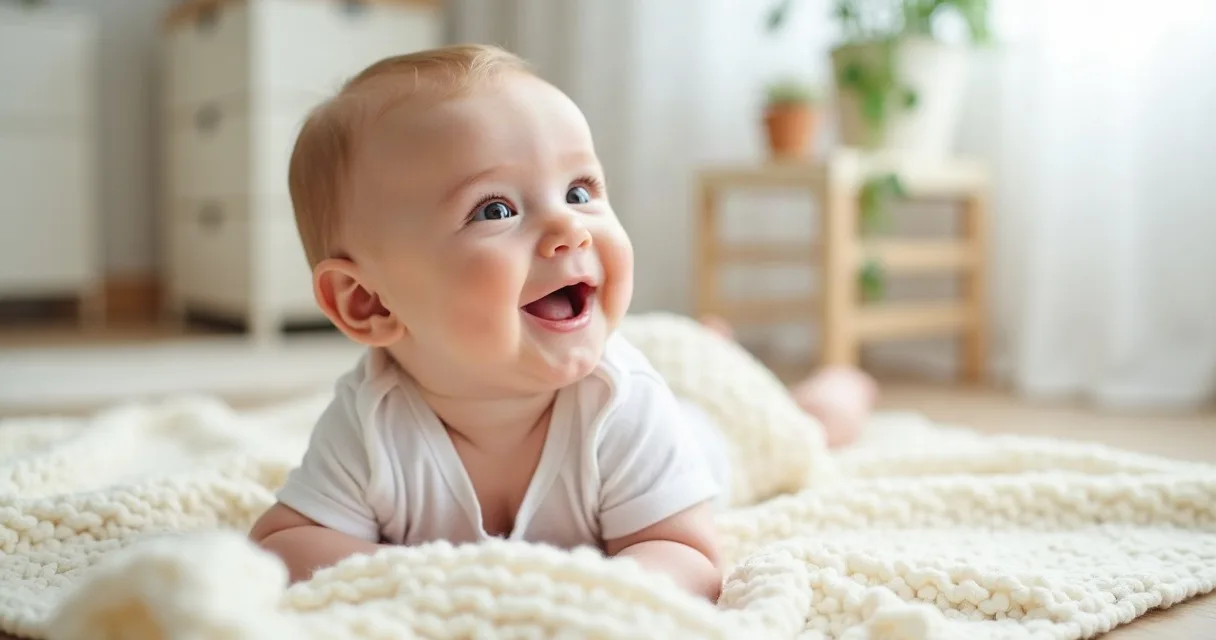
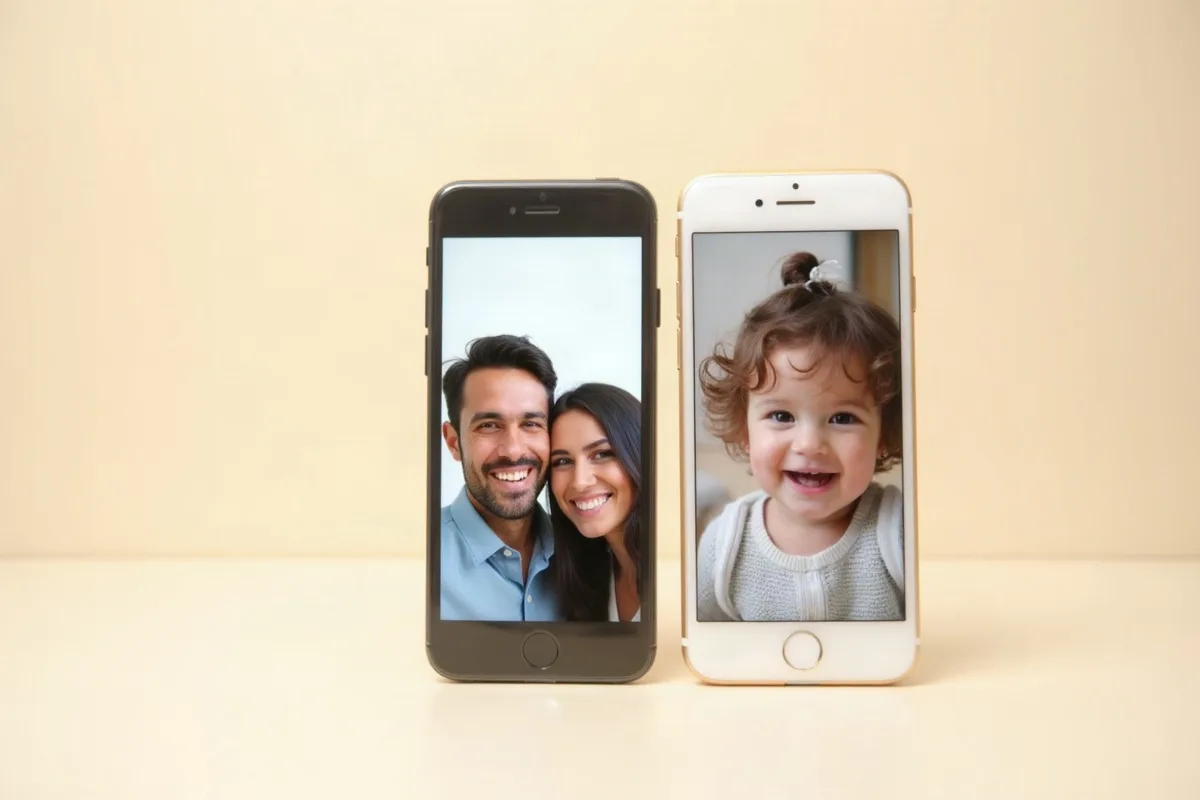
An AI baby generator takes one photo of each parent, detects the faces and blends visible features such as face shape, eye shape and color, hair and skin tone into a brand-new child's face. Some tools also let you pick the baby's age or gender.
What they don't do is genetics. Real inheritance is far more complex than what a photo shows, so every result is an imagined child, not a prediction. That's why the best tools say clearly that the results are just for fun.
What to Look for in the Best AI Baby Generator
| Factor | What to check |
|---|---|
| Two-parent input | Does it blend both parents, or only age one person's face? |
| Free limits | Daily credits, watermarks, ads or a free first result? |
| Controls | Age, gender, resemblance to one parent, setting |
| Realism | Natural skin and proportions, not a cartoon or "stock baby" |
| Privacy | Are photos deleted, and are they used to train AI? |
| Output | Full-size download, no watermark, easy to share |
The Main Types of AI Baby Generators in 2026
1. Big Editing Platforms (CapCut, Dreamina and Similar)
Large creative platforms offer baby generators as one of many tools. They're quick to try in a browser and often free or free with daily credits. Some focus on turning one adult's face into a baby version, which is a different trend from predicting a couple's future child, so check which one you're using.
- Good for: a quick, free try and social media content
- Watch for: fewer baby-specific controls; read the privacy terms of the wider platform
2. Free Web Generators (AI Ease, Vidnoz and Similar)
Several free web tools let you upload two parent photos and get a result in seconds. Some add a small logo to the image on the free version.
- Good for: trying the idea without an account
- Watch for: watermarks, limited controls and unclear photo retention
3. Mobile Apps
The app stores have many "future baby" apps. Most are free to download with weekly, monthly or lifetime subscriptions to unlock more results or remove ads.
- Good for: playing with many variations on your phone
- Watch for: subscription prices, ads and each app's data practices listed on its store page
4. Dedicated Baby Tools (Including Ours)
Tools built only for baby photos usually add more control. Our AI baby generator uses one photo of each parent and lets you choose the age (newborn to 5 years), gender or surprise, a gentle "more like mom or dad" nudge and a studio, nursery or outdoor setting. Your first portrait is free without sign-up, then each portrait uses credits. Parent photos are deleted as soon as the portrait is made and are never used to train AI.
- Good for: realistic portraits with control over age and resemblance
- Watch for: after the free try, it uses credits
Quick Comparison
| Type | Typical cost | Two parents | Age control | Privacy clarity |
|---|---|---|---|---|
| Big editing platforms | Free or free credits | Sometimes | Rarely | Platform-wide terms |
| Free web generators | Free, sometimes with logo | Usually | Sometimes | Varies |
| Mobile apps | Free download, paid subscriptions | Usually | Sometimes | Store privacy labels |
| Dedicated baby tools | Free try, then credits or plan | Yes | Yes | Usually explicit |
How to Get the Most Realistic Result
- Use front-facing photos. Straight-on shots show eye shape, nose and lips best.
- Choose soft, even light. Window daylight beats harsh shadows and filters.
- Keep the face clear. No sunglasses, hats or masks; hair back if possible.
- One adult per photo. Crop out friends and kids.
- Use similar photos for both parents. Similar light and framing give a balanced blend.
- Try a few ages. A newborn, a toddler and a little kid version together make a fun set.
Privacy: The Part Most Comparisons Skip
You're uploading faces of real people, often for a tool you've never used before. Before you upload:
- Find the privacy policy and look for how long photos are kept.
- Check whether photos are used for training.
- Look for a delete option or automatic deletion.
- Be cautious with apps that want broad permissions they don't need.
Fun Ways to Use Your AI Baby Portrait
- A reveal moment at a baby shower; see our baby bump photoshoot ideas for shower photos.
- A keepsake next to your ultrasound print.
- A side-by-side later with your real baby's first photos. Our newborn photos guide helps you plan those.
Once Your Real Baby Arrives
Imagined portraits are fun, but your real baby is the star. Baby AI Photoshoot turns a few everyday phone photos of your baby into studio-style portraits in more than 400 themes, each ready in about two minutes.
Turn real baby photos into studio portraits
After your baby arrives, upload a few phone photos and get studio-style portraits in minutes.
See the themesChoosing Your AI Baby Generator
If you just want a quick laugh, any free web tool will do. If you want a realistic portrait with control over age and resemblance, and clear rules about your photos, choose a dedicated baby tool such as our couple baby generator. Either way, enjoy it for what it is: a sweet guess, not a prediction.